

 Cahir MedTech · Companion manual
Form 483 Response Kit: companion guide
A practical, observation-by-observation workflow for coordinating product-impact reviews, corrections, CAPA decisions and a response supported by controlled evidence.
Reviewed October 29, 2026 · 12 min read
Start here: one observation, one evidence trail
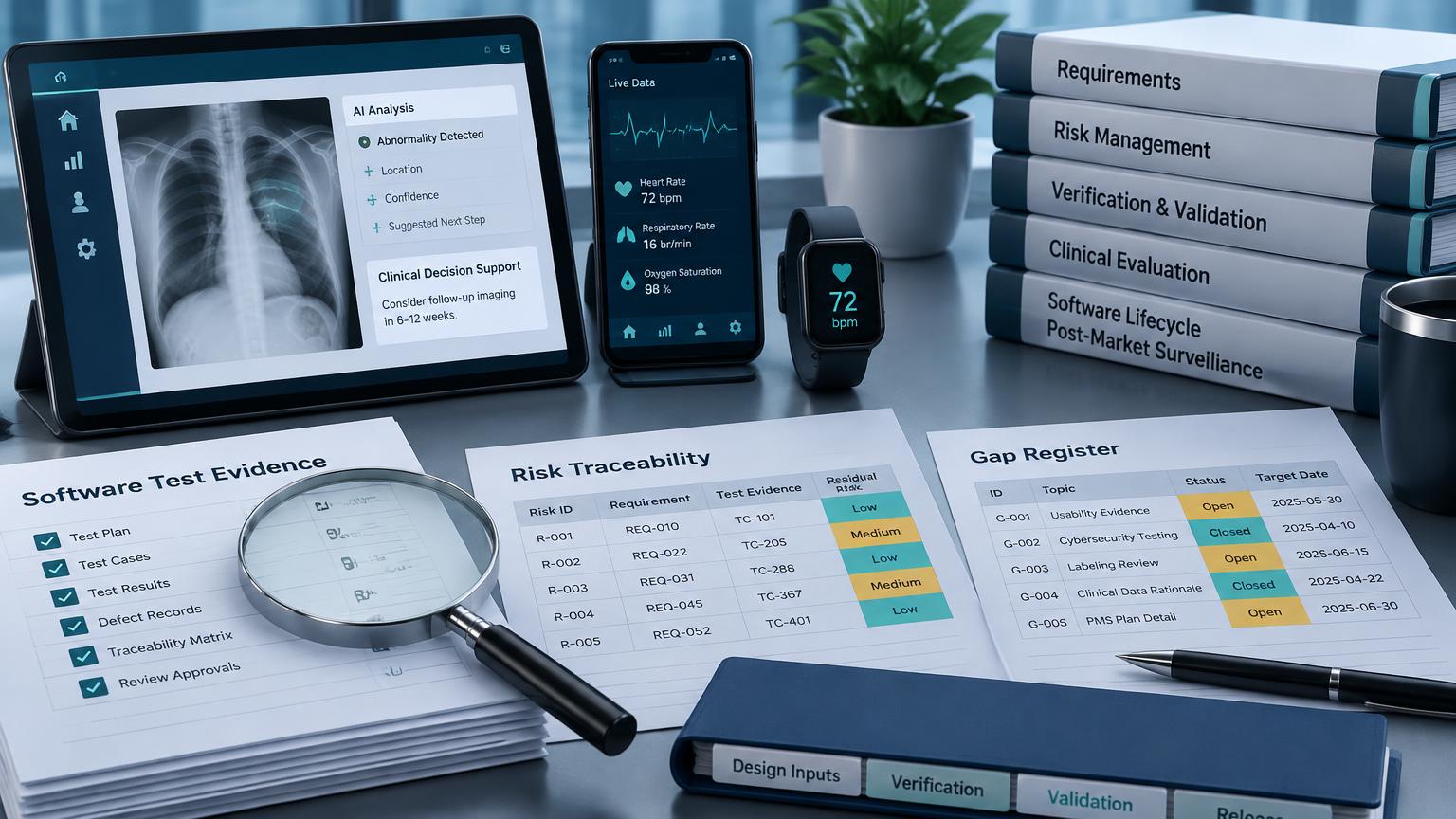
An FDA Form 483 records inspectional observations; it is not a final agency determination of a violation. This Cahir MedTech workbook is your company's response-planning aid, not an official FDA form. Use it to keep the facts, product-impact assessment, actions and supporting records connected. FDA Form 483 FAQ
FDA's QMSR took effect on February 2, 2026. CP 7382.850 now describes FDA's medical-device inspection process. Use current 21 CFR Part 820 and the incorporated ISO 13485:2016 requirements, rather than treating the former QSIT framework as the current inspection program. FDA QMSR overview
Before entering data, save a working copy using your controlled naming convention, identify the inspection/site and appoint a quality or regulatory lead. Have that lead assign an owner and reviewer for every observation. Keep original inspection records unchanged. Work in the unlocked input cells; preserve the protected branding, sheet structure and hidden tracking identifiers. The worksheet is an aid, not a replacement for your controlled QMS records.
- Collect the issued Form 483 and inspection-specific instructions.
- Confirm inspection close date, FDA contact and submission channel.
- Gather affected-product records, procedures, CAPA files and reporting assessments.
- Select the applicable device overlay; record why other prompts do not apply.
- Open a controlled evidence folder with document IDs and revisions.
Set the response target correctly
CP 7382.850 states that written corrections, corrective-action proposals/plans and evidence of implemented corrections should be submitted within 15 business days after inspection close. This is FDA's stated expectation in its compliance program, not a universal statutory deadline. Check the actual FDA correspondence, calendar and instructions with your regulatory lead. Do not assume weekends, holidays or a requested extension without verifying them. CP 7382.850 — regulatory follow-up
Do not wait until every long-term CAPA is finished to explain your response. Clearly separate completed corrections with evidence from investigations and corrective actions still planned. Give realistic commitments, named owners, interim controls and dates for updates. A timely response or voluntary correction does not guarantee acceptance or prevent enforcement.
Swipe horizontally to see all columns.
| Planning point | What to record | Who checks it |
|---|---|---|
| Inspection close | Confirmed date and FDA instructions | Regulatory lead |
| Internal draft target | Time for evidence checks and review | Response coordinator |
| Submission target | FDA expectation and inspection-specific instructions | Regulatory / legal reviewer |
| Later commitments | Owner, deliverable, date and interim controls | Quality lead |
MDR and corrections/removals obligations have their own criteria and deadlines. A Form 483 response is not an MDR or a Part 806 report, and response preparation must not delay separately required reporting.
Your workbook map: which tab comes next?
Use the Universal Baseline as the response dashboard, then work across the supporting tabs. Reuse the same observation number everywhere; add a distinct action or commitment ID where an observation has several deliverables. The guide's order is a practical recommendation, not an FDA-prescribed template.
Swipe horizontally to see all columns.
| Tab | Enter or review | Move on when |
|---|---|---|
| Universal Baseline | Evidence, owner, target date and status / rationale for seven steps | Each step has accountable ownership |
| Observation Log | Verbatim observation, firm assessment, scope and requirement / evidence references | Original wording and factual assessment are preserved |
| Product Impact | Device / lot / version scope, risk, uncertainty and separate reporting decisions | Qualified reviewers approve the assessment or document unresolved questions |
| Containment Plan | Immediate control or correction, scope, evidence and release criteria | Implemented controls are verified; open work is dated |
| CAPA Tracker | CAPA decision, extent, cause evidence, action and effectiveness plan | Completed and planned actions are clearly distinguished |
| Executive Response | Firm draft, attachment IDs and reviewer approval for each section | Every statement can be supported or identified as planned |
| Commitments and Evidence | Owner, dates, evidence revision/location, submission and FDA follow-up | All commitments remain traceable through completion |
| Device overlays | Relevant scope prompts with observation / action links and owner decisions | Applicability is justified, not assumed |
| Sources and Applicability | Regulations, program references and limits | Requirements have been checked for your device |
Step 1–2: capture facts and assess product impact
In Observation Log, copy the observation exactly as issued. Put your interpretation in Firm assessment / agree-disagree rationale, never in the verbatim field. Record the inspection dates, site, affected process, owner and the evidence or requirement supporting your position. If you disagree, explain the facts and identify records that support your assessment; avoid unsupported admissions or blanket denials.
In Product Impact, identify the affected devices, lots, software builds, installed configurations and distribution scope. Distinguish known facts from uncertainty. Link the hazard / harm assessment to current risk-management records; an observation alone does not establish product harm. Have qualified reviewers document MDR, Part 806 and other applicable regulatory decisions independently. Record the reviewer/date and any residual risk or follow-up. 21 CFR Part 803 · 21 CFR Part 806
Illustrative example, not a finding: Observation 2 concerns missing approval evidence for a software release. The team traces build 4.2, the deployed configurations and the release approval history. The initial assessment states what was reviewed, what remains unknown and who must complete the safety and reportability review. Do not copy this example as a conclusion for your own product.
Step 3–4: distinguish correction from corrective action
Containment limits exposure; correction fixes the observed condition. Corrective action addresses a cause to prevent recurrence. These are related but not interchangeable. In Containment Plan, state the control, its scope, owner and completion date; link implementation evidence and verification results. Define the approval and evidence needed before lifting an interim control.
In CAPA Tracker, first record whether CAPA is needed and why. Evaluate recurrence and systemic extent; do not open or close CAPA automatically merely because a worksheet row exists. If CAPA is appropriate, link cause analysis to objective evidence, specify actions and define effectiveness criteria before claiming effectiveness. Follow your controlled corrective-action procedure and applicable ISO 13485 requirements.
Swipe horizontally to see all columns.
| Weak entry | Stronger planning entry — illustrative |
|---|---|
| Retrain everyone | Identify affected roles, revised procedure, competency evaluation and evidence |
| Root cause: human error | Document the investigation, contributing process causes and evidence |
| CAPA completed | State implemented actions and attach records; list effectiveness evaluation separately |
| Fix by next month | Name the deliverable, owner, actual target date and interim controls |
An example effectiveness criterion might test whether release approvals are complete in the next defined set of releases over a justified review period. Your team must choose a risk-appropriate sample, method and time window; this guide does not prescribe a universal sample size or acceptance threshold.
Step 5–7: draft, approve, submit and follow through
The Executive Response tab is a drafting scaffold. Replace prompts with verified firm facts. Complete the cover/identity, executive overview, observation-by-observation assessment, immediate actions, cause/systemic actions, product-impact/reporting summary, commitments/effectiveness, attachments and authorized signature sections. Use Attachment IDs to connect each statement to the evidence index.
For each observation, explain what you assessed, what you completed, what the evidence shows and what remains planned. Do not describe revised procedures, training, validation or effectiveness as completed until the controlled records support that statement. Where work remains open, give a dated plan and any appropriate interim protection.
Use Commitments and Evidence to track each promised deliverable independently. Record its owner, target date, actual completion, controlled evidence ID/revision/location, submission confirmation and FDA feedback. Retain submission records. If a commitment changes, communicate appropriately; do not silently overwrite the date and erase the history.
- Each observation is addressed with factual rationale.
- Product-impact and separate reporting decisions are reviewed.
- Completed actions have accessible evidence; planned actions have owners and dates.
- Evidence IDs match the attachments and controlled revisions.
- Quality, regulatory and appropriate legal/executive reviewers approve the response.
- Submission recipient/channel match FDA's instructions; confirmation is retained.
- Open commitments and effectiveness checks have a follow-up owner.
Make the workbook and workspace work together
Start with the baseline, then choose SaMD, IVD, Implantable, Capital Equip or Consumable Overlay as applicable. For SaMD, connect the observation to affected builds, anomalies, risk and validation records; an authorized PCCP is not a blanket exemption. For IVD, trace reagent/control/instrument combinations and erroneous-result risk. For implants, evaluate patient exposure, materials, packaging and sterility where applicable; Part 821 tracking is not required for every implant. For capital equipment, assess installed configurations and service history. For consumables, check material/supplier lots, process lines and packaging or shelf-life changes.
In your team workspace, use assignments, item notes and activity history to coordinate who is doing what. Record controlled evidence references, not unnecessary patient information or confidential records. The live dashboard tracks checklist progress; it does not edit your downloaded Excel file or prepare an FDA submission. Keep detailed assessments and approvals in your controlled workbook/QMS records and reconcile them with the team checklist.
What if Excel says a cell is protected? Branding and structural cells are intentionally locked. Use the editable data fields. Do not remove protection or delete hidden identifiers; ask [Cahir MedTech](https://medtech.cahir.ai/contact) if a required input field cannot be edited.
What if the root cause is not established yet? Record the investigation status, supporting evidence, interim controls and next milestone. Do not invent a root cause or claim effectiveness. Get qualified review of what can be stated in the initial response.
Does completing the kit mean FDA accepts the response? No. FDA evaluates the facts, applicable requirements and adequacy of actions. The kit helps organize work and evidence; it cannot guarantee a response outcome or inspection classification.
Vetted references and next reading
References reviewed for this edition on October 29, 2026. FDA and eCFR sources are the primary basis; worksheet workflows and examples are Cahir MedTech recommendations. Consult the current source and inspection-specific instructions before acting. ISO 13485:2016 is incorporated by reference in Part 820; use an authorized copy for exact clause text.
- FDA Form 483 Frequently Asked Questions — observations, written responses and their significance.
- FDA Quality Management System Regulation overview — effective date and inspection transition.
- FDA CP 7382.850 — current device inspection program and written-response expectation.
- Current 21 CFR Part 820 — QMSR requirements, records and FDA-specific provisions.
- Current 21 CFR Part 803 — medical device reporting requirements.
- Current 21 CFR Part 806 — corrections and removals requirements.
Continue with QMSR implementation, Form 483 prevention, and the Mock Inspection companion guide. Cahir MedTech Copilot can support drafting and organizing working material; accountable experts must verify outputs against controlled evidence.
This guide is an educational and operational aid, not an FDA publication, legal advice or a substitute for applicable requirements and inspection-specific facts. It does not establish compliance, guarantee FDA acceptance or prevent enforcement. Consult qualified regulatory and legal advisers as appropriate.